Overview
Setting the Stage.
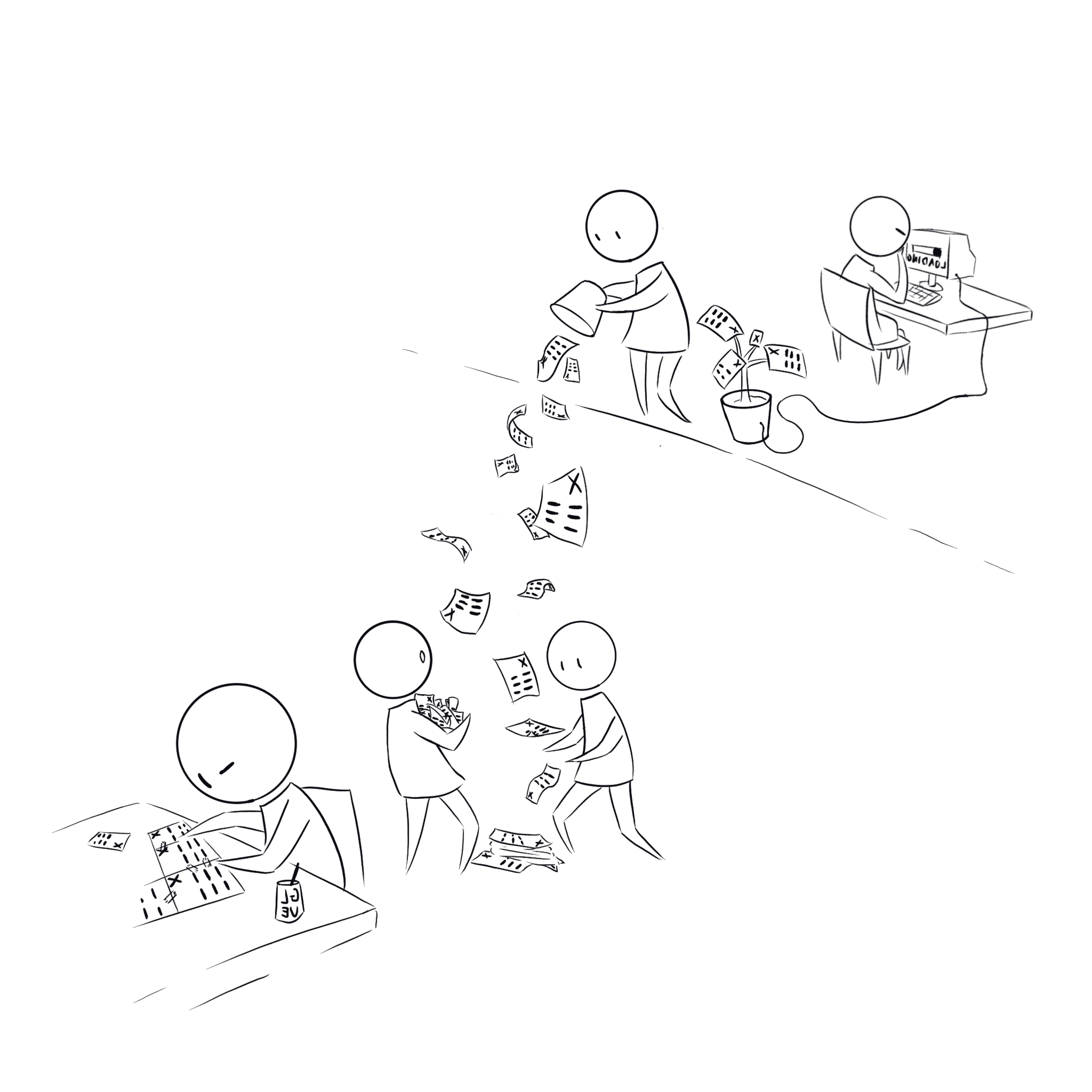
Our operations team was drowning in manual processes and analysis of complex data.
To optimize analysis our Data Science team created an analysis optimization algorithm - however it took a lot of effort to run.
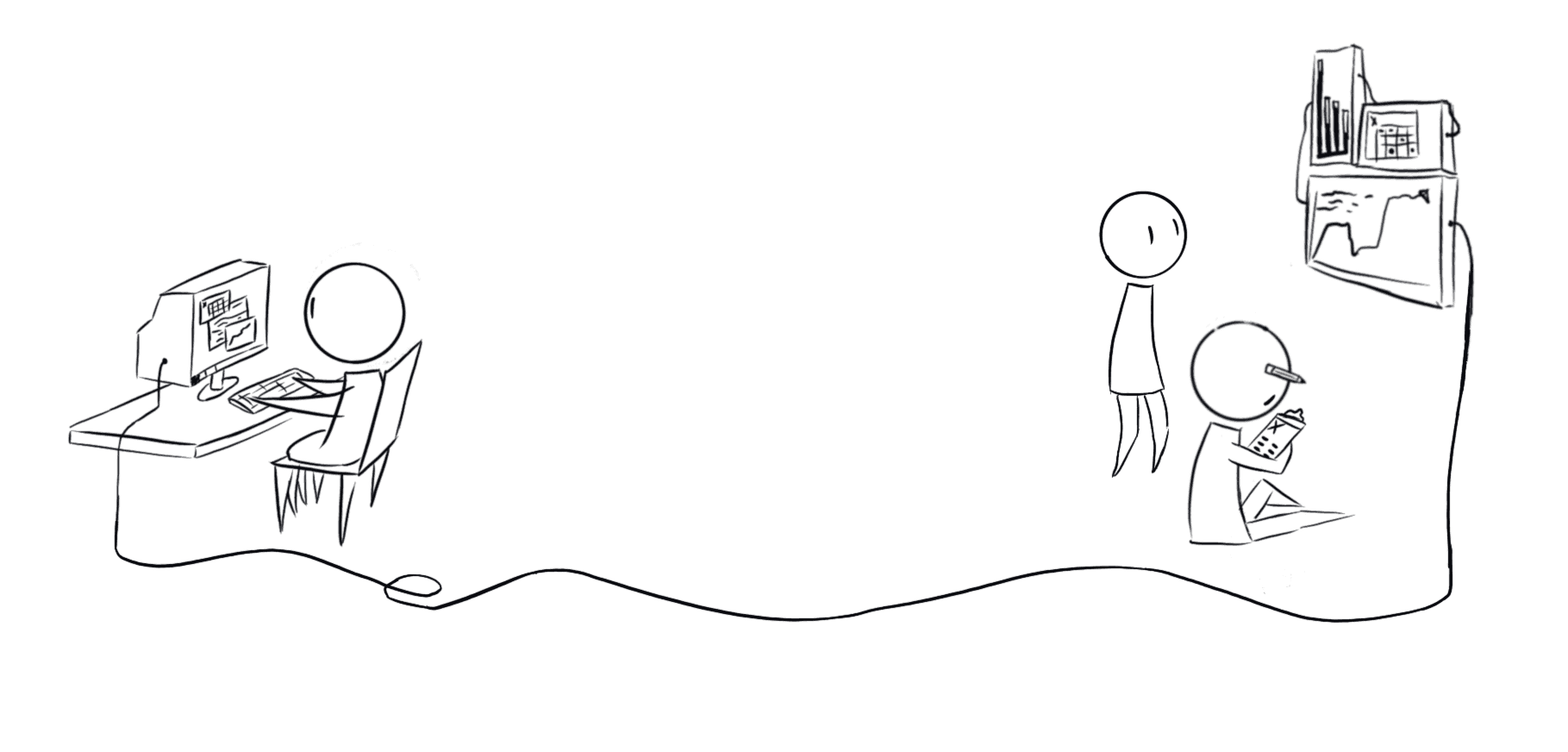
We needed a self-service platform that could automate complex algorithm outputs while providing clear data visualization - essentially putting the power of data science directly into the hands of operations.
The Challenge
The Human Element.
While the technical requirements were complex, the real challenge wasn't code - it was people.
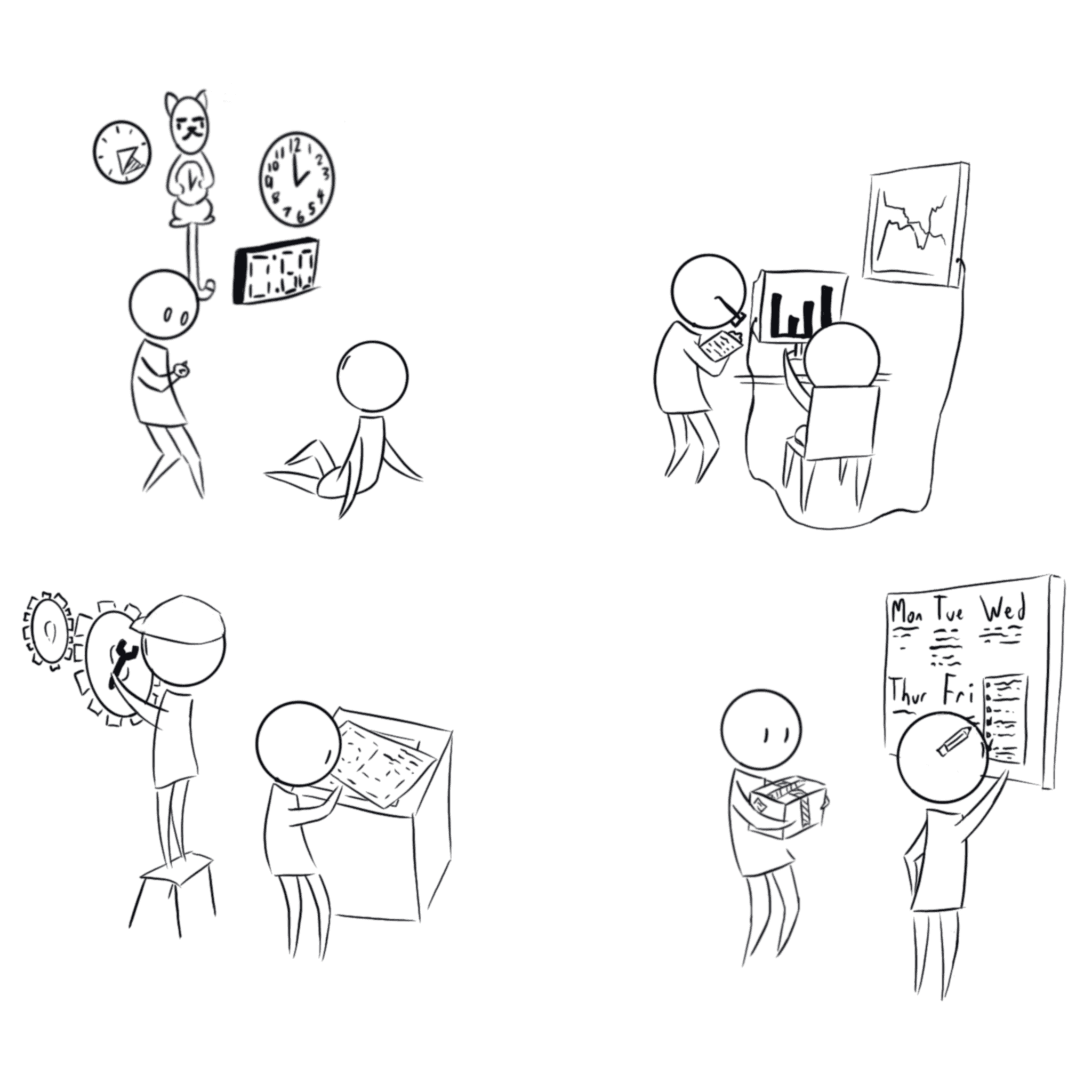
Four different teams (operations, data science, development, and project management) each had their own perspective on what success looked like.
Operations wanted speed and simplicity. Data science worried about accuracy and methodology. Development focused on technical feasibility. Project management needed clear timelines and deliverables.
Without alignment, we risked building something that worked perfectly but served no one effectively.
Defining Requirements
Finding Common Ground.
Design Process
Designing Together (and sketching privately).
The teams made it clear from day one: no wireframes.
They wanted to see high-fidelity designs with working prototypes in our discussions - anything less felt like wasted time to them. So I adapted my process, sketching privately to work through user flows and information architecture, then translating those rough concepts directly into polished Figma designs.
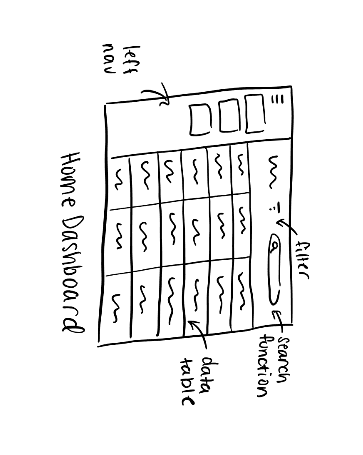
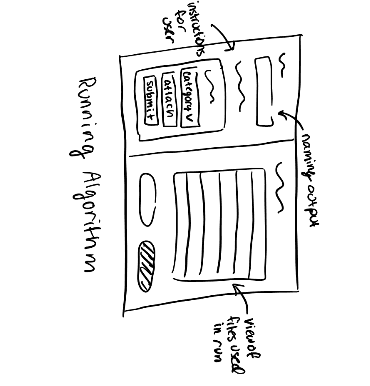

But the real magic happened during our design meetings. When we'd discuss new features or modifications, I'd design live in Figma while we talked - creating quick wireframes in real-time as a thinking tool.
This gave us immediate visual feedback and let everyone react to ideas as they formed.
Development Partnership
Bridging Design & Development.
I learned early that the best designs come from treating developers as design partners, not just implementers.
When we needed a comment feature for the dashboard, one of our stakeholders suggested adding a left side navigation to emulate Microsoft tools - this was in the hopes the functionality would be familiar and thus easier to utilize for the team.

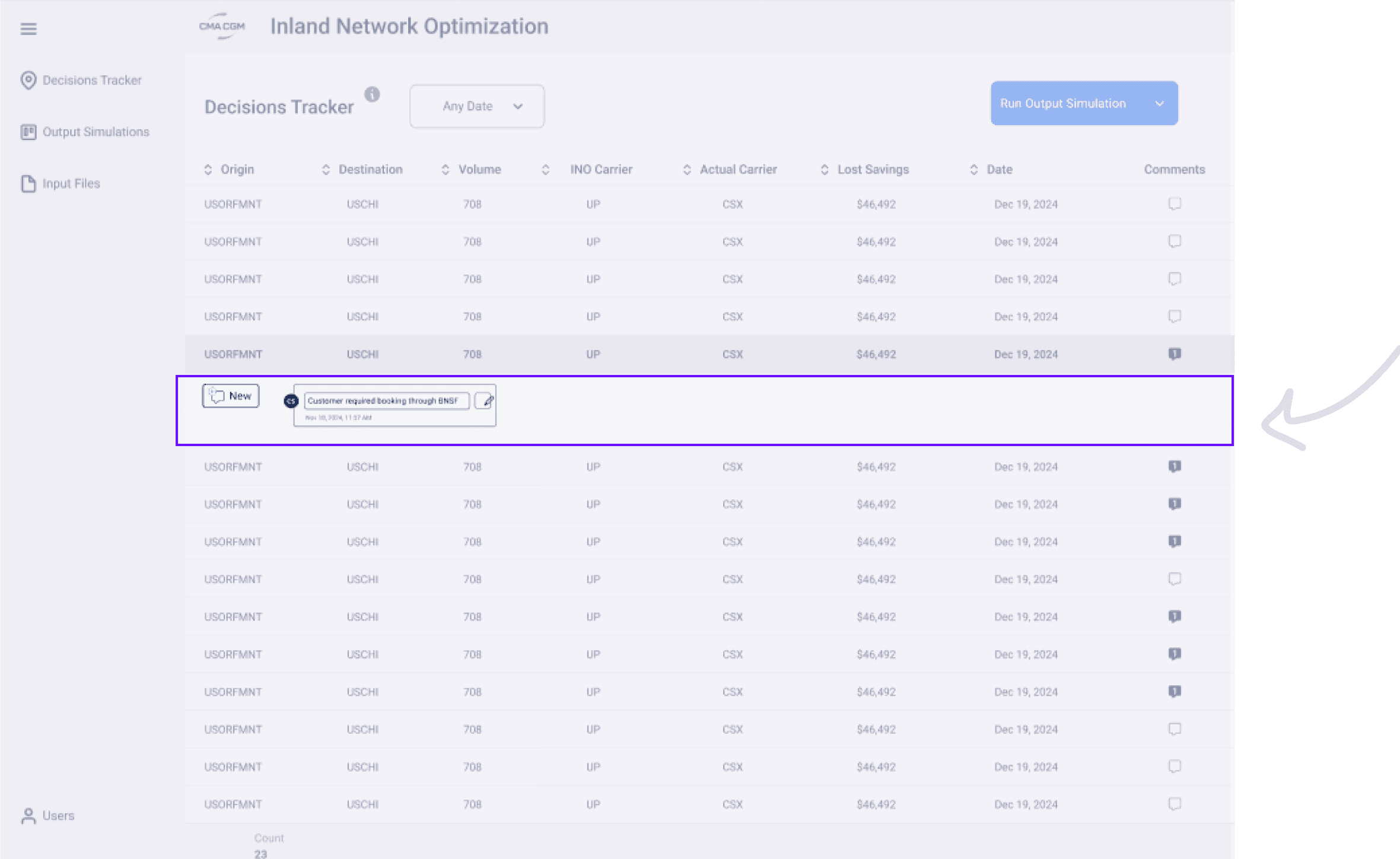
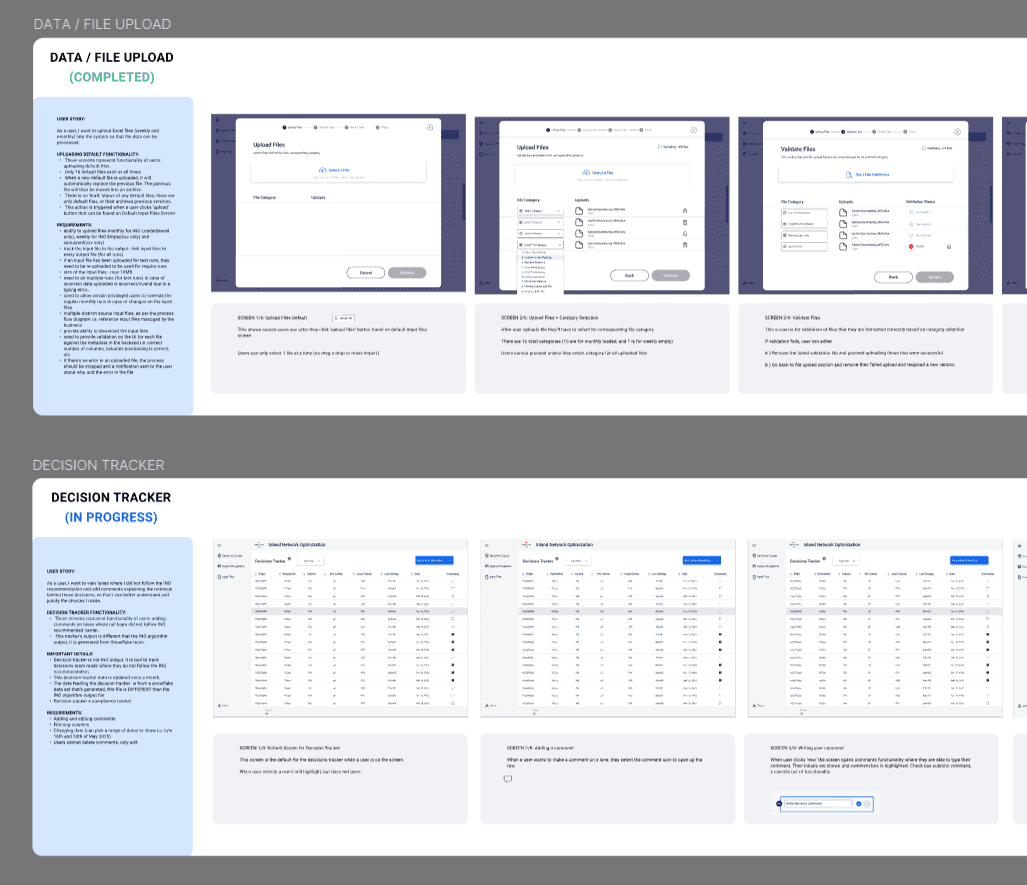
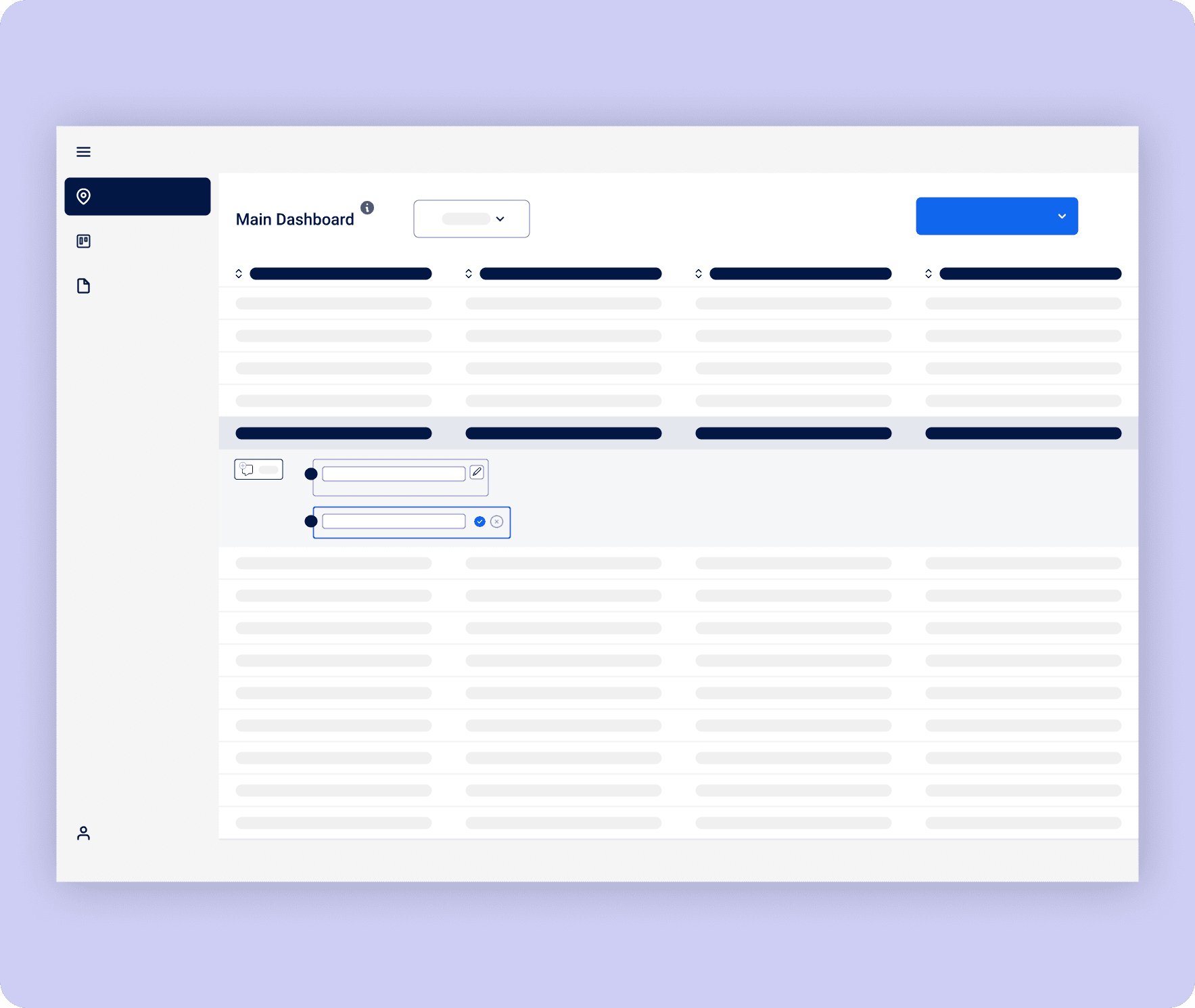
Together, we landed on a simpler solution: comments that expand directly below each row. Users could still access feedback without disrupting the layout, and we avoided the visual clutter and technical complications of competing navigation systems.
The Blueprint Behind the Build
Translating design decisions into development reality required meticulous preparation. I created comprehensive design annotations that documented interaction patterns, responsive behavior, and edge cases - essentially creating a shared language between design intent and technical implementation.

I created detailed mockup prototypes that became our source of truth, demonstrating not just what the interface should look like, but exactly how it should behave.
These weren't just pretty pictures - they were functional specifications that eliminated guesswork and reduced back-and-forth during development.
By investing time in detailed annotations and interactive prototypes upfront, we avoided costly miscommunications and kept the project moving at the aggressive pace the stakeholders demanded.
User Testing
From Functional to Intuitive.
I structured user testing around jobs-to-be-done scenarios based on our three core personas, giving users real tasks to complete rather than just asking for opinions.
The most critical workflow was running monthly simulations - a process that could involve uploading up to 16 different files, each with its own update schedule.
Iteration #1

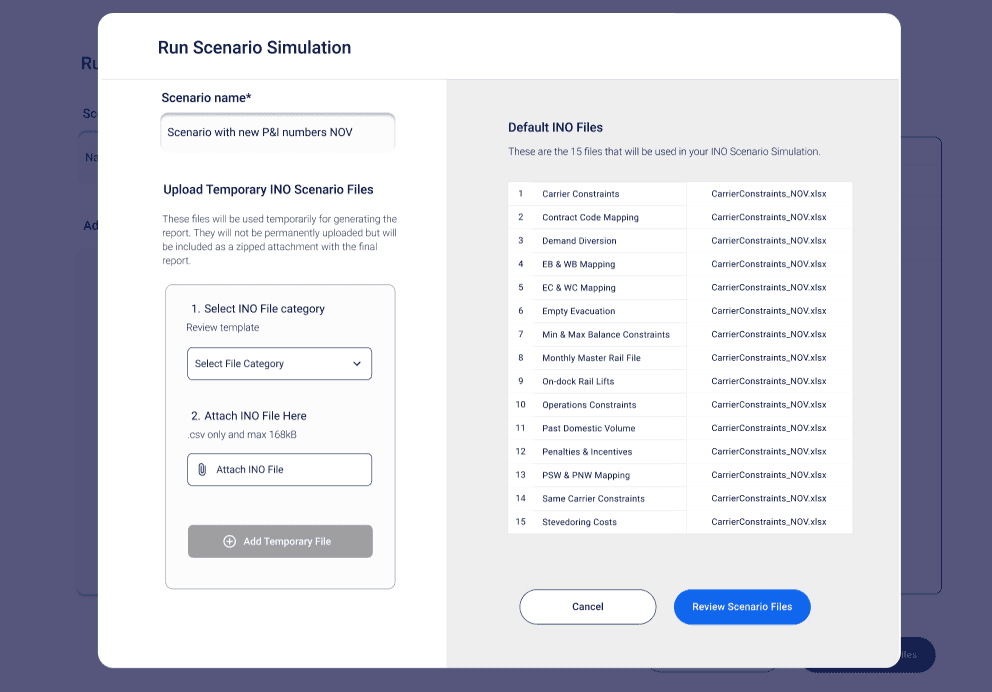
My first design used dropdown menus for file selection and replacement. Technically, it worked and users could complete their tasks eventually.
But watching users struggle revealed the gap between functional and intuitive. The interface felt cluttered, users missed critical steps, and those unfamiliar with the process often proceeded correctly by guessing rather than understanding the action they needed to take.
Adding User Input into Design.
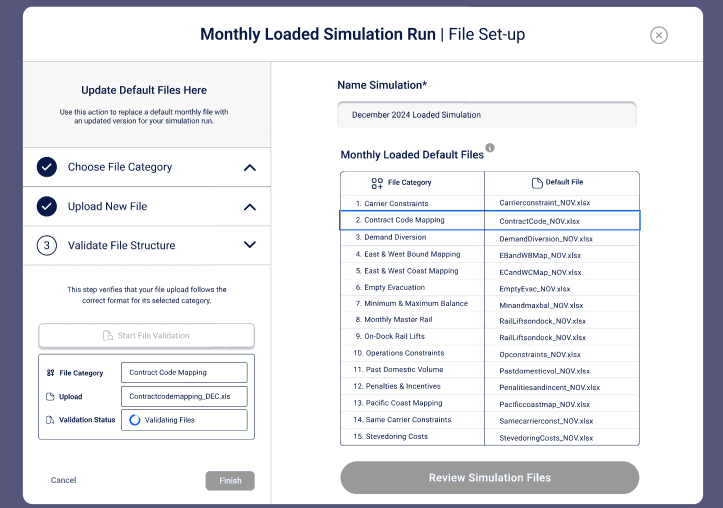
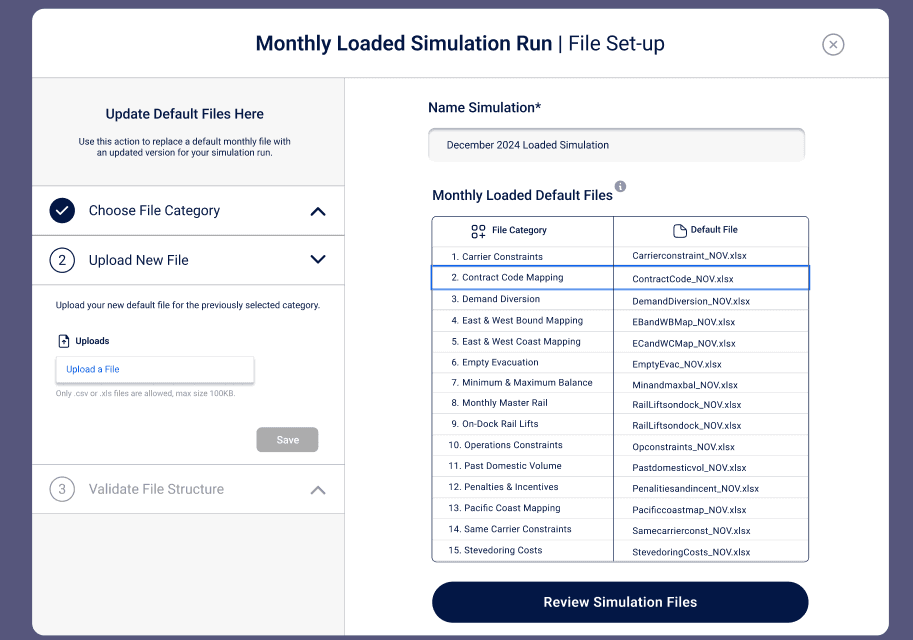
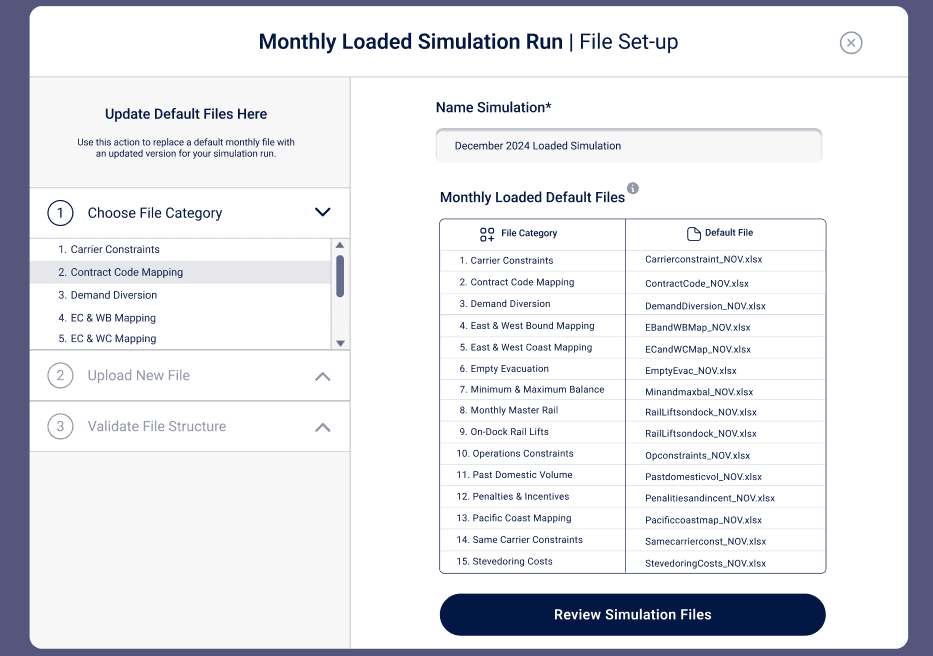
The breakthrough came with an accordion-style redesign that transformed the experience from a single overwhelming screen into guided, digestible steps: select files, validate inputs, name simulation, run.
I separated required actions from optional ones and introduced stronger visual cues for file states - loading, error, success. Instead of leaving users to figure out the process, the interface now walked them through it with confidence.
Semantic Clarity
What Do You Mean by That?
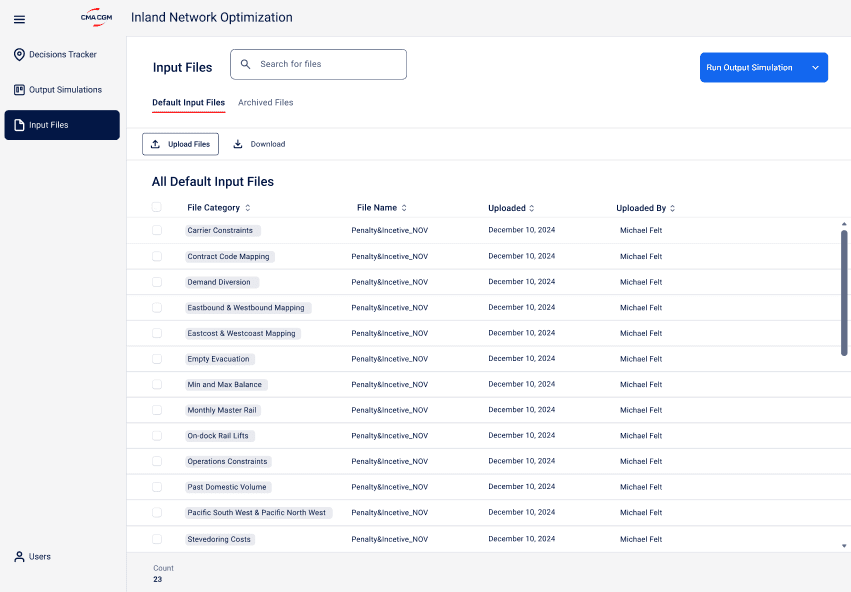
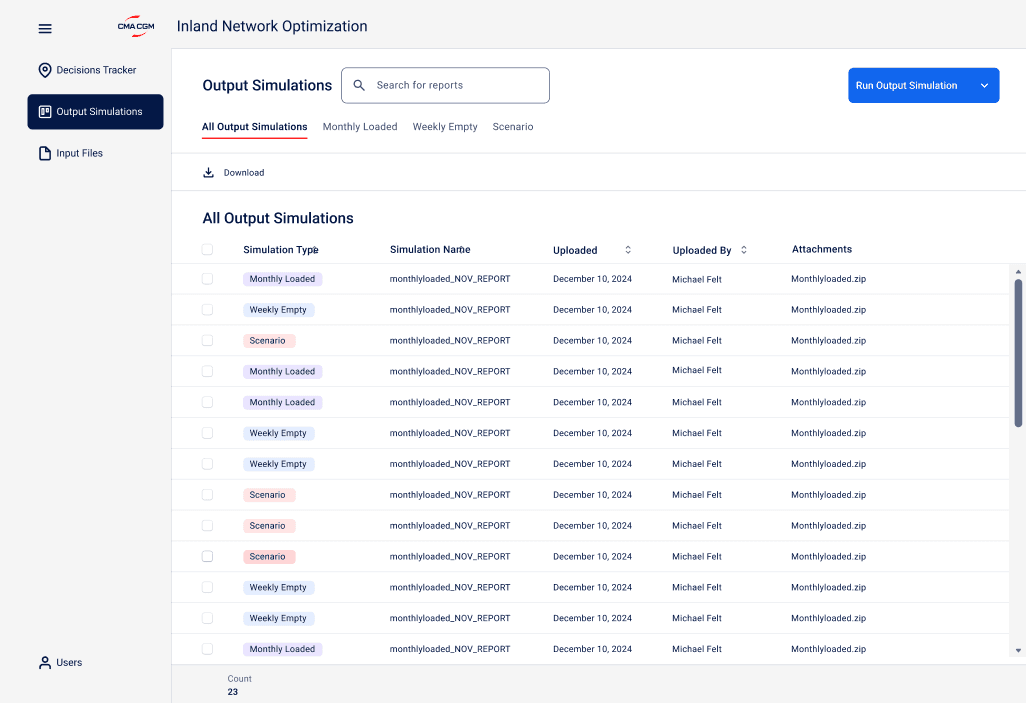
Our file management system needed to handle dozens of input and output files while remaining clear and organized, but we kept hitting walls around terminology.
'Simulation' and 'scenario' were used interchangeably across teams. 'Input files' meant different things to operations versus data science. These weren't just semantic quibbles - they created real confusion in the interface and made the platform feel inconsistent and unreliable.
I facilitated an affinity mapping exercise where we grouped all the overlapping terms and worked with users to determine which language actually made sense for their daily work.
By solving these semantic issues early, we ensured the file management system wasn't just functional, but spoke the same language as our users. Sometimes the most important design decisions happen before you ever open Figma.
Design System
Building From Scratch.
When I joined the project, the UI had been shaped primarily by developers working without formal design guidelines.
To support their work and bring visual consistency to the platform, I audited internal tools and referenced the company’s brand guidelines to inform a clear design direction.
I developed a lightweight design system in parallel with key screens—focusing on reusable components, color, and typography. The system continued to evolve with the project and now provides a strong foundation for future enhancements.
Color Pallete
B/W Colors
White
#FFFFFF
Black 2
#515454
Black 1
#403F3E
Gray Colors
Gray 3
#F6F7F7
Gray 2
#E8E9E9
Gray 1
#A8A9A9
Typography
Inter
Heading 1
Heading 2
Heading 3
Heading 4
Heading 5
Heading 6
Name
20 px
24 px
32 px
40 px
48 px
56 px
Font size
22 px
26.4 px
35.2 px
44 px
52.8 px
61.6 px
Line ht
The Outcome
Turning Hours into Minutes.
The transformation was dramatic and measurable. What once took operations teams hours of manual work - coordinating with data scientists, waiting for Excel file processing, and running complex analyses - now happens in under 5 minutes of self-service interaction.
Our data science team, previously tied up in routine scenario generation, gained back several hours per week to focus on higher-value strategic analysis and model development. The operations team went from being dependent on others' schedules to having on-demand access to the insights they needed for critical decision-making.
The MVP has been successfully deployed and is now in active production use across the rail operations team.